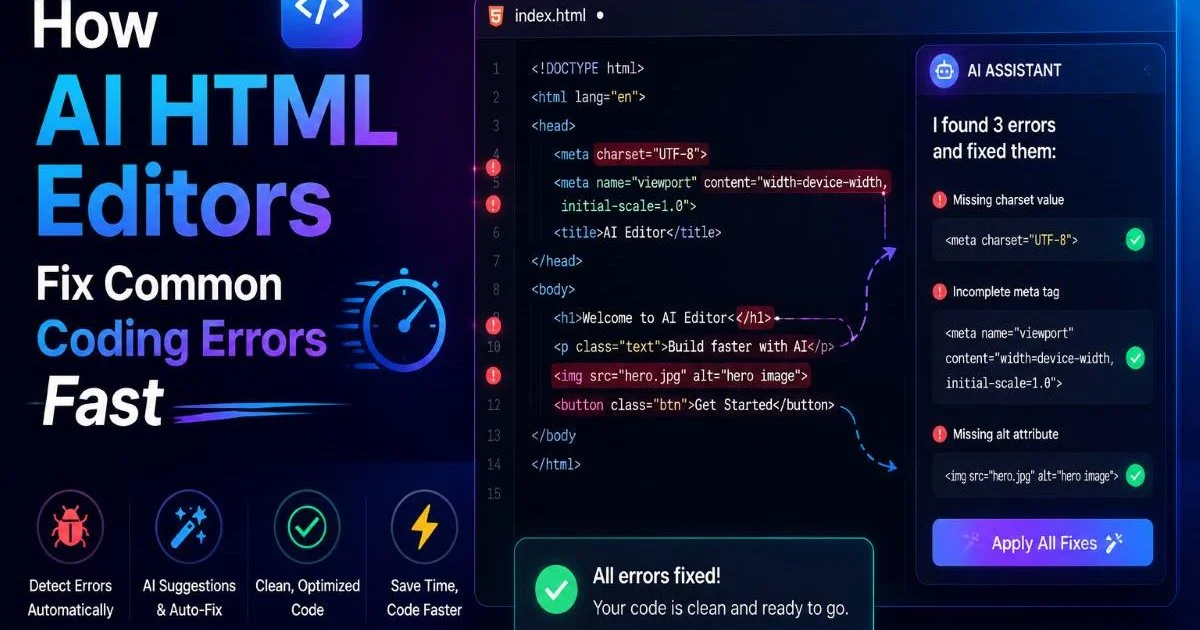
An AI HTML editor is a browser-based coding tool that uses artificial intelligence to automatically scan your markup, fix errors, and guide you through building web pages, whether you prefer writing raw code or editing visually. If you've ever stared at a broken layout wondering which unclosed tag caused the chaos, this category of tool was built for you. The gap between knowing basic HTML and producing clean, production-ready code is wider than most tutorials admit.
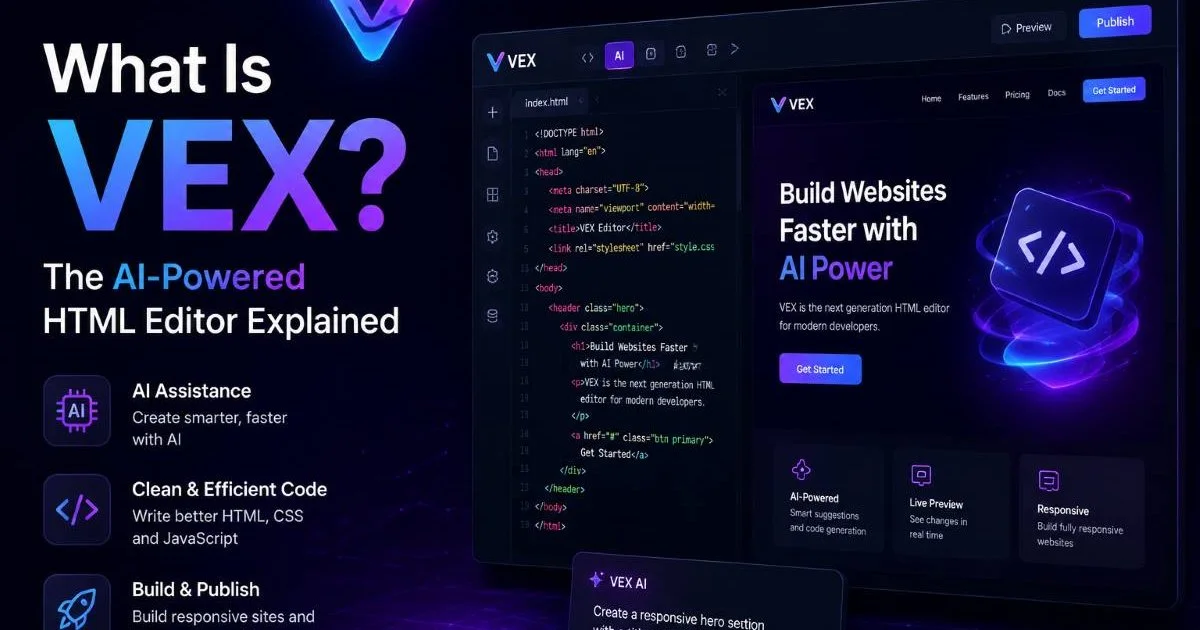
Typos, accessibility oversights, deprecated elements, and structural mistakes pile up fast, especially when you're learning. An AI HTML editor closes that gap by acting as a real-time collaborator that catches what your eyes miss. VEX, the AI agent inside HTML Generator, represents this new approach: you write or click, and the agent handles the cleanup, suggestions, and optimization behind the scenes.
For beginners and intermediate developers alike, this shift means spending less time debugging and more time building.
Key Takeaways
- An AI HTML editor combines a code environment with intelligent scanning, fixing, and guidance.
- VEX works in both code and visual modes, so you choose your preferred workflow.
- Real-time error detection catches broken tags, accessibility gaps, and deprecated elements instantly.
- Smart suggestions help beginners learn proper HTML patterns while they build pages.
- Automated fixes reduce debugging time, letting you focus on design and content instead.
What Is an AI HTML Editor and How Does It Work?
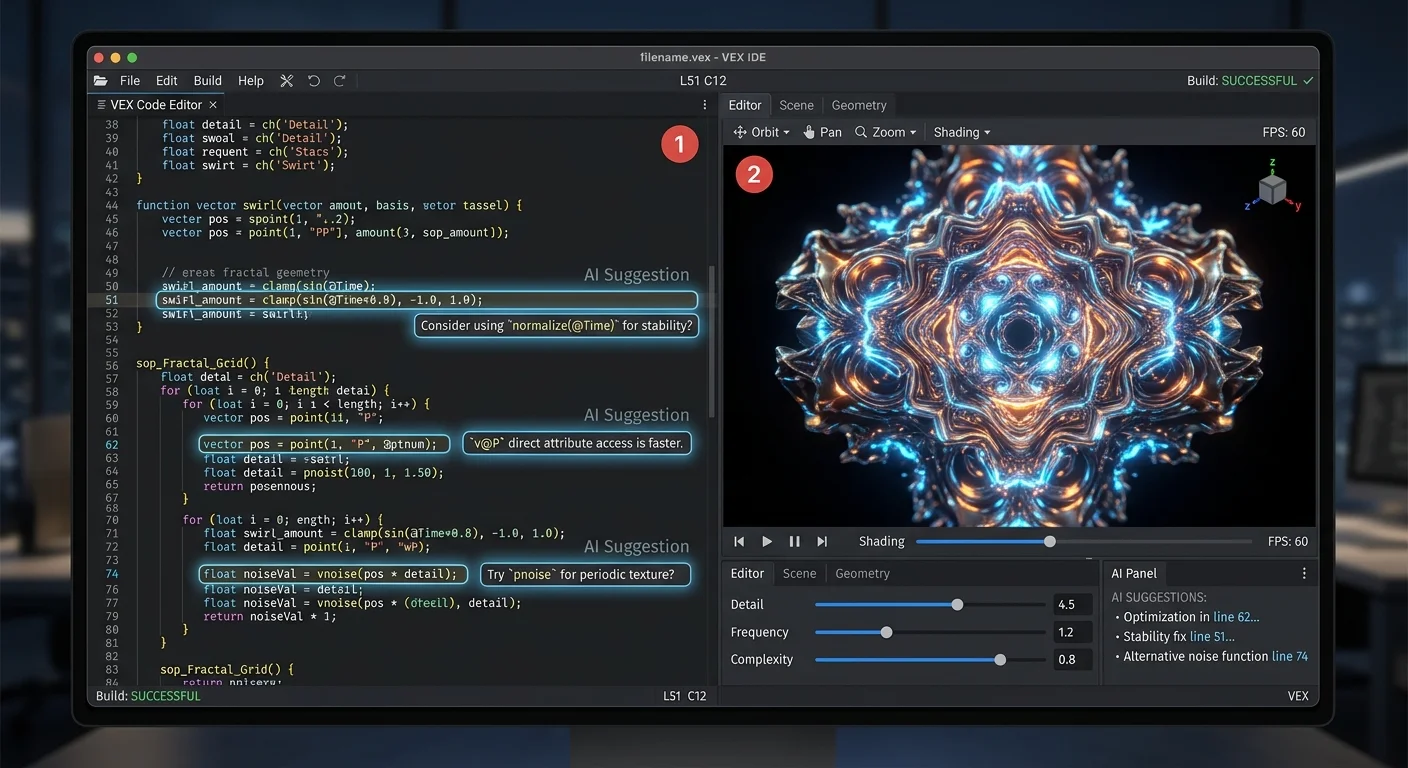
At its core, an AI HTML editor pairs a standard code editing environment with a machine learning agent that understands HTML semantics, structure, and best practices. Think of it as a spell checker, but for markup. Instead of red-underlining misspelled words, it flags unclosed divs, missing alt attributes, improperly nested elements, and other structural problems. The AI doesn't just identify issues; it explains them in plain language so you actually learn from each correction.
Scanning and Detection
When you type or paste HTML into VEX, the AI agent parses your document in real time. It builds an internal model of your DOM tree and checks it against current HTML5 specifications. This scanning process runs continuously, not just when you hit a "validate" button. That distinction matters because errors compound quickly. A missing closing tag on line 12 can cascade into layout disasters by line 40, and catching it immediately saves you from chasing phantom bugs later.
Write your HTML in small sections and review VEX's feedback after each block to prevent error cascading.
Fixing and Guidance
Detection alone isn't enough. The "smart" in smart code editor comes from what happens next. VEX offers one-click fixes for straightforward issues like unclosed tags or missing required attributes. For more complex problems, such as poor heading hierarchy or inaccessible form elements, it provides contextual explanations and code suggestions. This dual approach, automated repair for the simple stuff and guided learning for the nuanced stuff, means you're not just patching code. You're building better habits with every edit.
The visual editing mode works in parallel. You can drag elements, adjust layouts, and modify content without touching a single line of code, while VEX generates clean HTML underneath. When you switch back to code view, everything stays synchronized. This visual HTML editor capability is particularly useful when prototyping layouts or when you want to see the rendered result immediately without refreshing a browser tab.
Why It Matters: Use Cases for Every Skill Level
Beginners Learning HTML
If you're just starting to understand what coding actually involves, the learning curve for HTML can feel deceptively steep. The syntax itself is simple, but knowing which elements to use, when to use semantic tags, and how to structure accessible documents takes practice. An AI HTML editor acts like a patient tutor that never gets frustrated. It catches your mistakes in context, right where they happen, and explains the "why" behind each correction rather than just pointing out the "what."
Consider a beginner building their first portfolio page. They might nest a div inside a paragraph tag, forget to add a doctype declaration, or use deprecated tags like <center>. VEX flags each of these instantly and offers the modern alternative. Over weeks of building, those corrections become internalized knowledge. The tool doesn't replace learning; it accelerates it by providing feedback loops that tutorials alone cannot offer.
Intermediate Developers Shipping Faster
Intermediate developers face a different challenge. They know the syntax, but they're managing larger projects where consistency, performance, and standards compliance matter. An html code fixer built into the editor means you stop wasting time on manual validation. VEX can flag SEO-relevant issues like missing meta descriptions, improper heading order, and even remind you that TLS certificate errors can hurt your SEO when you're linking to external resources.
Freelancers and small agency developers benefit especially. When you're building client sites on tight deadlines, an ai web editor that handles cleanup automatically means you deliver cleaner code in less time. You can focus on creative decisions, user experience, and content strategy instead of hunting for that one missing closing tag that broke the footer layout.
"The best editor isn't the one that writes code for you; it's the one that makes your own code better every time you use it."
Common Misconceptions About AI-Powered Editors
The most persistent myth is that AI editors write all the code for you, turning development into a point-and-click exercise with no real understanding required. That's not what tools like VEX do. The AI agent assists and corrects, but you still make the architectural decisions. You choose the layout approach, the semantic structure, and the content hierarchy. The AI catches your mistakes and suggests improvements, but it doesn't replace your judgment or creativity.
Another misconception: that AI suggestions are always correct. Machine learning models operate on patterns, and edge cases exist. Sometimes VEX might suggest a fix that doesn't align with your specific design intention. That's why suggestions come with explanations, not just automatic overrides. You can accept, reject, or modify any recommendation. Treating the AI as an infallible authority is a mistake; treating it as a knowledgeable second pair of eyes is the right mental model.
Never blindly accept all AI-suggested fixes at once. Review each change to confirm it matches your design intent and page structure.
Some developers also worry that using an AI-powered html editor tool creates a dependency that prevents real learning. Research and classroom experience suggest the opposite. Tools with embedded feedback loops, like interactive coding platforms, consistently produce better learning outcomes than static references alone. VEX's corrections are teaching moments, not crutches. The key is to read the explanations rather than just clicking "fix" and moving on.
Finally, there's the assumption that these tools only benefit beginners. Experienced developers use linters, formatters, and validation tools every day. An AI HTML editor simply consolidates those functions into one interface and adds contextual intelligence on top. Even senior developers miss things, especially during long coding sessions or when working with unfamiliar codebases. The tool scales with your skill level.
VEX adjusts its suggestion detail level based on how you interact with it, providing more guidance early on and streamlined fixes as your patterns improve.
How It Compares to Traditional HTML Tools
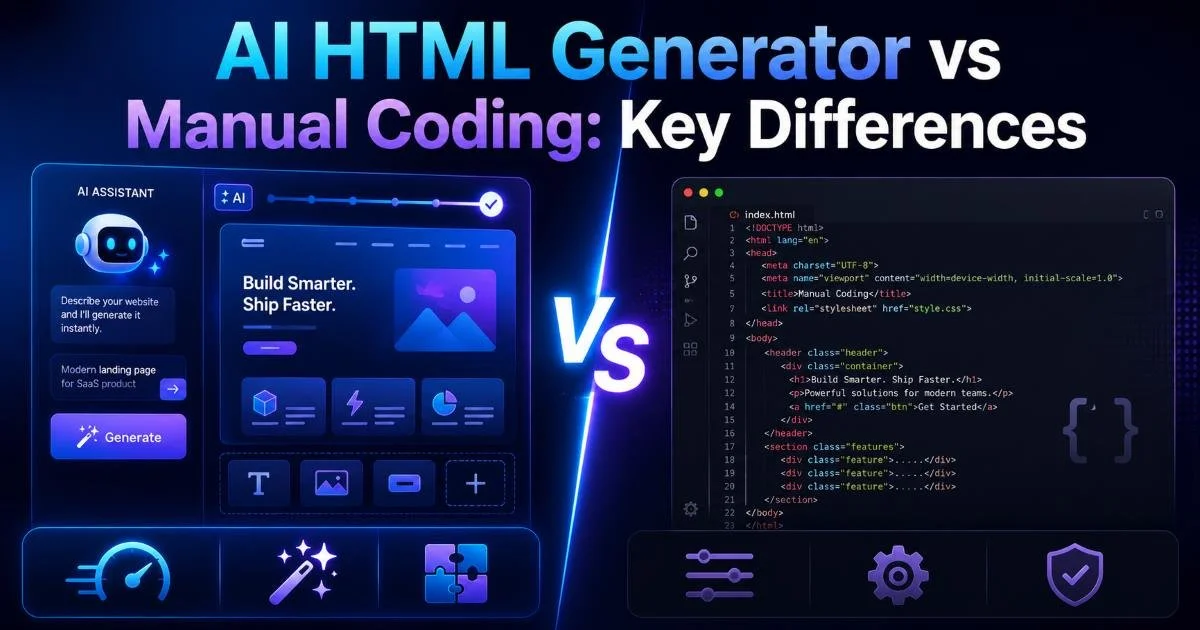
Traditional HTML editors fall into two broad camps: text-based code editors like Sublime Text and VS Code, and visual WYSIWYG builders like older versions of Dreamweaver. Code editors give you full control but zero guardrails. WYSIWYG builders offer visual convenience but often generate bloated, non-semantic markup. An AI HTML editor like VEX occupies the middle ground, offering both modes while adding intelligence that neither traditional camp provides.
If you're evaluating different builder options, a comprehensive comparison of the best HTML website builders can help you understand where AI-assisted editors fit in the broader landscape. The critical difference is that most builders focus on output (generating a finished page), while an AI HTML editor focuses on process (helping you write better code as you go). Both have their place, but the learning and quality benefits of the process-oriented approach are significant.
| Feature | Plain Code Editor | WYSIWYG Builder | AI HTML Editor |
|---|---|---|---|
| Real-time error scanning | Limited (linter plugins) | No | Yes, built-in |
| Automated code fixes | No | No | Yes, with explanations |
| Visual editing mode | No | Yes | Yes |
| Clean semantic output | Depends on developer | Often bloated | Optimized by AI |
| Accessibility checks | Requires extensions | Rare | Integrated |
| Learning feedback | None | None | Contextual guidance |
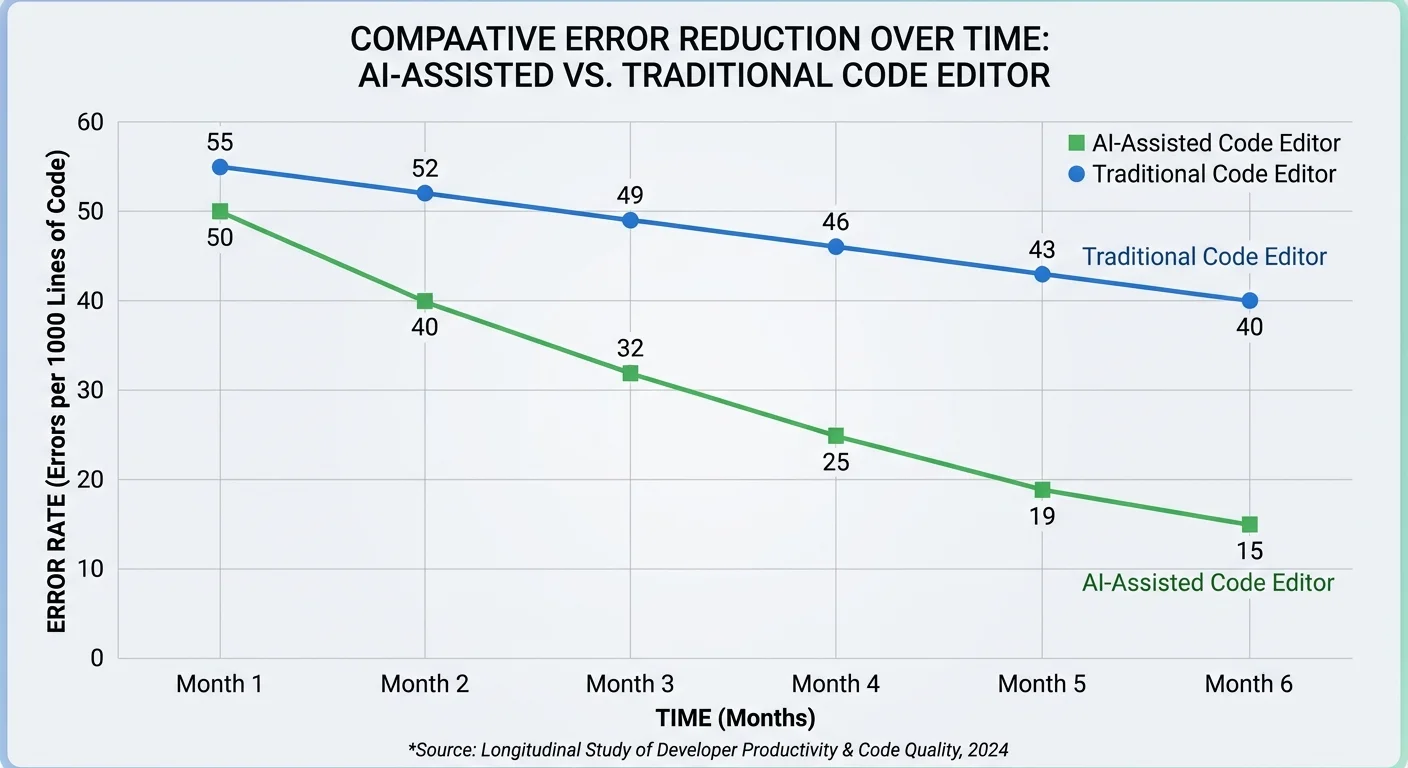
The performance gap becomes especially clear when you look at output quality. A developer using a plain text editor might produce valid HTML but miss accessibility requirements, SEO best practices, or modern semantic conventions. A WYSIWYG builder might produce a pretty page with terrible underlying markup. VEX bridges that divide: you get visual feedback, clean code output, and intelligent guidance all working together in one environment. That convergence is what makes this category of AI HTML editor tools fundamentally different from what came before.
Frequently Asked Questions
?How do I stop errors from cascading when using VEX?
?How does VEX differ from a standard HTML validator?
?Does switching between visual and code mode in VEX break my markup?
?Will VEX fix every HTML error automatically, or do some need manual work?
Final Thoughts
An AI HTML editor represents a practical evolution in how we write and maintain web markup. It doesn't replace your skills; it amplifies them by providing real-time scanning, intelligent fixes, and contextual learning built directly into your workflow.
Whether you're a beginner writing your first heading tag or an intermediate developer streamlining client projects, tools like VEX turn the editing process into a continuous improvement loop. The code you write today gets better because the tool teaches you while you build, and that compounding benefit is worth more than any single feature.
Disclaimer: Portions of this content may have been generated using AI tools to enhance clarity and brevity. While reviewed by a human, independent verification is encouraged.