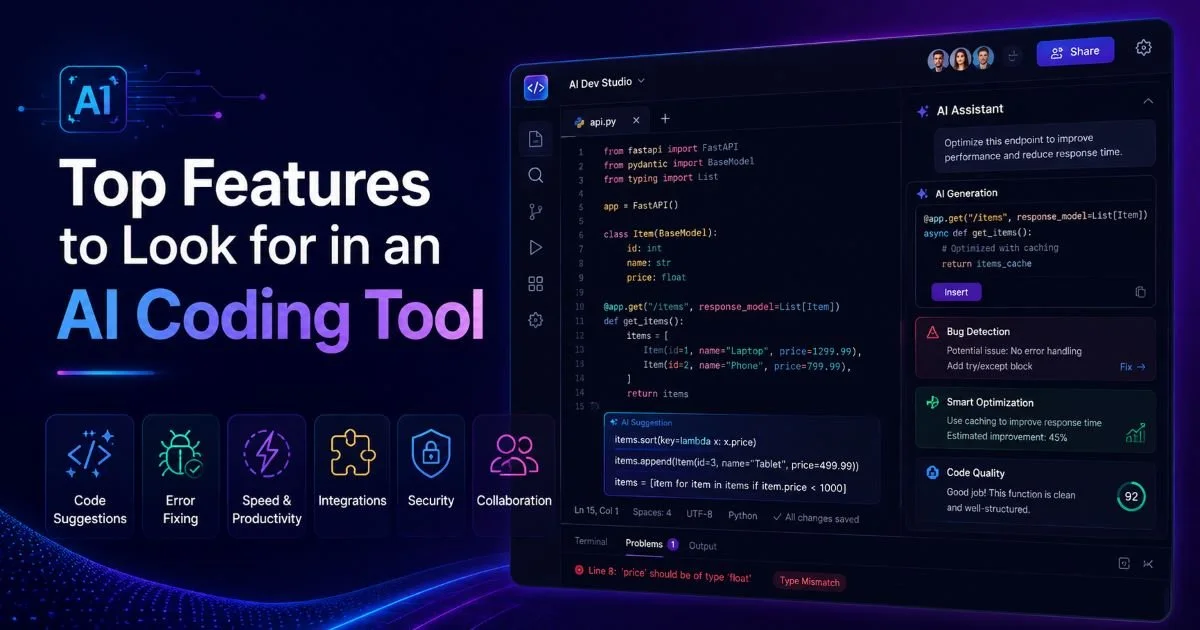
AI coding has fundamentally changed how developers build websites and web applications. Whether you're writing your first HTML page or shipping production-ready front ends, the tools you choose shape your speed, accuracy, and learning curve.
But not every AI-powered editor deserves your attention. Some offer little more than glorified autocomplete, while others actively scan your work, catch errors before they reach the browser, and teach you better habits along the way. The difference between a helpful tool and a gimmick comes down to specific features.
If you want to understand what a purpose-built AI HTML editor actually does, that's a great starting point. This guide walks you through the top features to evaluate, with practical detail you can use right now.
Key Takeaways
- Real-time error detection saves hours of debugging compared to manual code review.
- Context-aware code suggestions beat generic autocomplete for producing clean HTML.
- Privacy and data handling policies matter when AI processes your source code.
- Visual editing paired with AI guidance helps beginners learn markup faster.
- The best AI coding tools integrate validation, generation, and fixing in one workflow.

1. Real-Time Error Detection and Automated Fixes
Why Instant Feedback Matters
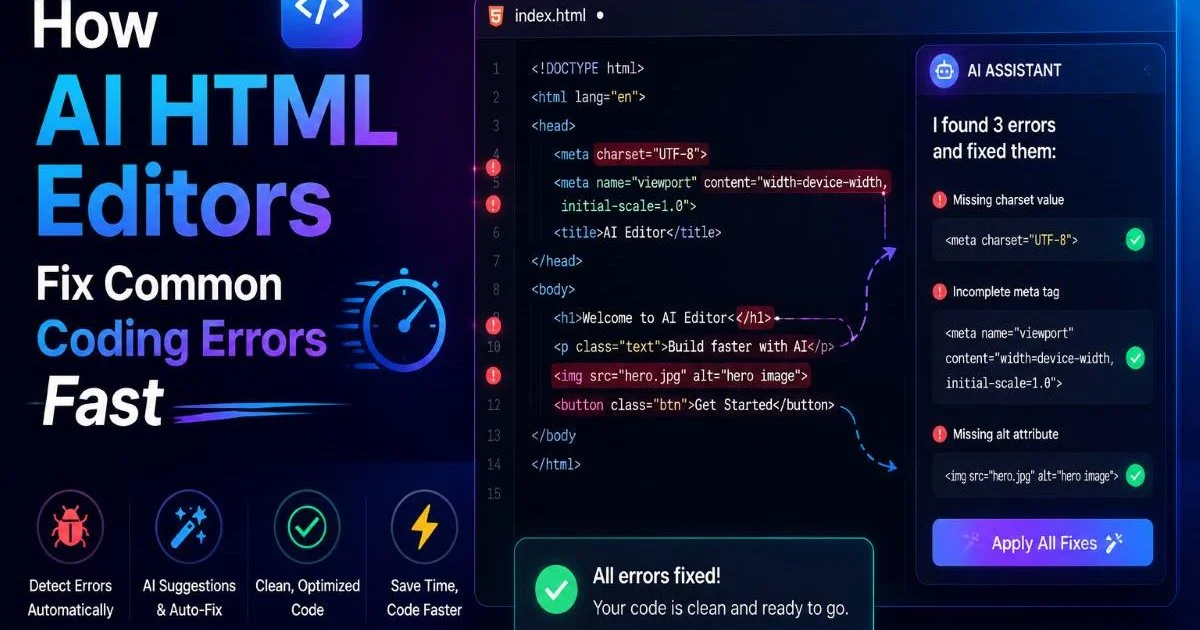
The single most valuable feature in any AI coding tool is the ability to catch mistakes as you type. Think about it: a missing closing tag, a misplaced attribute, or a broken nesting structure can cascade into layout problems that take 30 minutes to trace manually. Real-time error detection eliminates that guessing game. The tool scans each line of code the moment you write it, flags the issue, and often suggests the exact fix. For beginners especially, this turns every coding session into a learning opportunity.
Not all error detection is created equal. Some tools only catch basic syntax problems, like a missing angle bracket or an unclosed tag. Better tools go further by identifying semantic issues, accessibility violations, and deprecated element usage. For example, a smart AI editor might warn you that a <font> tag is obsolete and recommend CSS instead. The depth of scanning directly impacts how clean your output will be. You can read more about how AI HTML editors fix common coding errors fast to see these features in action.
What to Look for in Error Handling
When evaluating tools, pay attention to how fixes are applied. The best options present the correction inline, letting you accept or reject it with a single click. Others require you to navigate to a separate panel. Inline fixes reduce context switching and keep your flow intact. Also check whether the tool explains why something is wrong, not just what is wrong. Explanations build your understanding of HTML standards over time, which makes you a better developer even without the tool.
Test any AI editor by deliberately introducing 5 common errors (unclosed tags, duplicate IDs, missing alt text) and see how many it catches automatically.
Automated fix quality varies significantly across tools. Some editors will silently rewrite your code in ways you didn't intend, introducing new problems. Others present a diff view so you can compare the original and corrected versions side by side. Always prefer tools that give you control over the fix rather than applying changes invisibly. If you want a detailed walkthrough of this process, check out how to fix HTML errors using AI-powered tools for step-by-step guidance.
2. Intelligent Code Generation and AI Coding Suggestions
Beyond Autocomplete
Traditional autocomplete fills in tag names and attribute values from a static dictionary. AI coding suggestions go much further. A well-trained model understands the context of your document. If you're inside a <nav> element, it knows to suggest list items and anchor tags rather than, say, table rows. This context awareness dramatically reduces the number of keystrokes required and keeps your markup semantically correct from the start. It's the difference between a tool that guesses and one that understands.
Code generation features let you describe what you want in plain language and receive structured HTML in return. You might type "create a responsive three-column pricing table" and get well-formatted markup with appropriate classes and ARIA labels. The quality of generated code depends on the model's training data and the constraints the tool enforces. Good generators produce valid, accessible HTML. Poor ones spit out div soup with inline styles everywhere. Testing generated output in a reliable HTML compiler is a smart habit to adopt early.
Evaluating Suggestion Quality
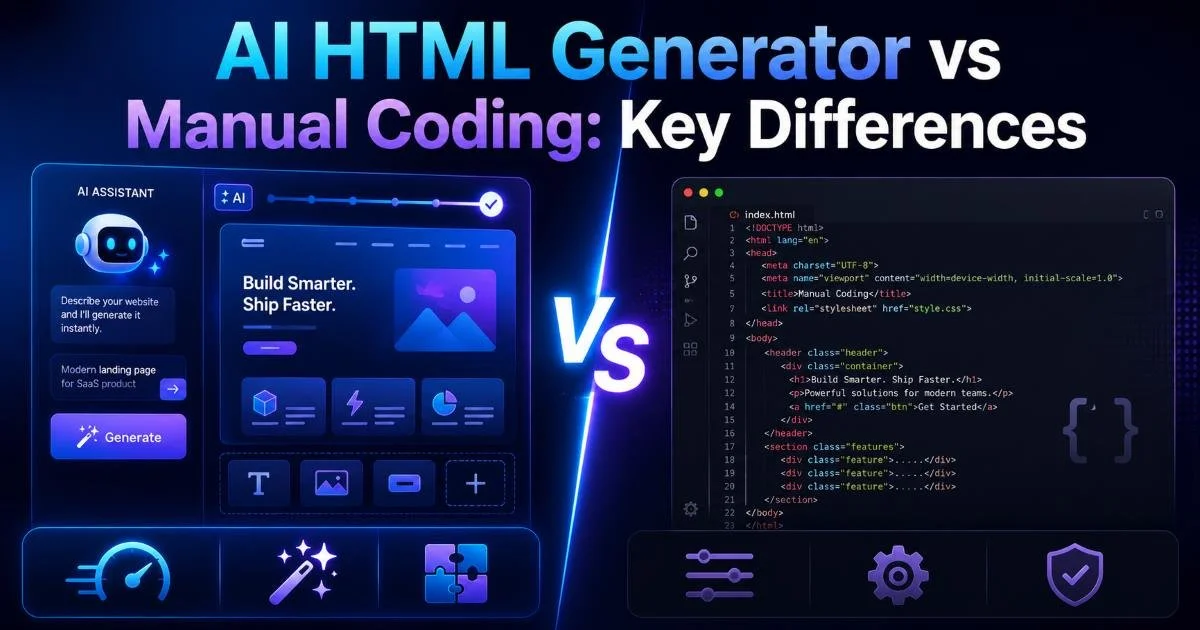
One reliable way to judge suggestion quality is to compare AI-generated code against manually written code across several dimensions. The table below shows how these two approaches typically differ on key attributes that matter for production-ready websites.
| Attribute | AI-Generated HTML | Manual Coding |
|---|---|---|
| Average time to produce a page | 2 to 5 minutes | 20 to 60 minutes |
| Syntax error rate | Low (auto-validated) | Moderate (human error) |
| Semantic correctness | Varies by tool quality | Depends on developer skill |
| Accessibility compliance | Often included by default | Frequently overlooked |
| Code readability | Consistent formatting | Varies widely |
| Customization depth | Limited to prompts given | Fully flexible |
For a broader comparison of these approaches, the breakdown of AI HTML generators versus manual coding covers the key differences in depth. Keep in mind that the best workflow usually blends both methods: use AI generation to scaffold quickly, then refine by hand where precision matters. This hybrid approach is where AI coding truly shines for intermediate developers who already know enough HTML to evaluate what the tool produces.
"The best AI coding tools don't replace your skills; they amplify them by handling repetitive tasks so you can focus on design decisions."
3. Visual Editing with AI Guidance
Bridging Code and Design
Many beginner developers feel more comfortable with visual editors because they can see the result immediately. The problem with traditional WYSIWYG editors is that they often produce bloated, non-standard HTML behind the scenes. AI-powered visual editors solve this by generating clean code while still letting you drag, drop, and adjust elements visually. This dual-mode approach (code on one side, preview on the other) is particularly effective for learning. You make a visual change and immediately see the corresponding markup update.
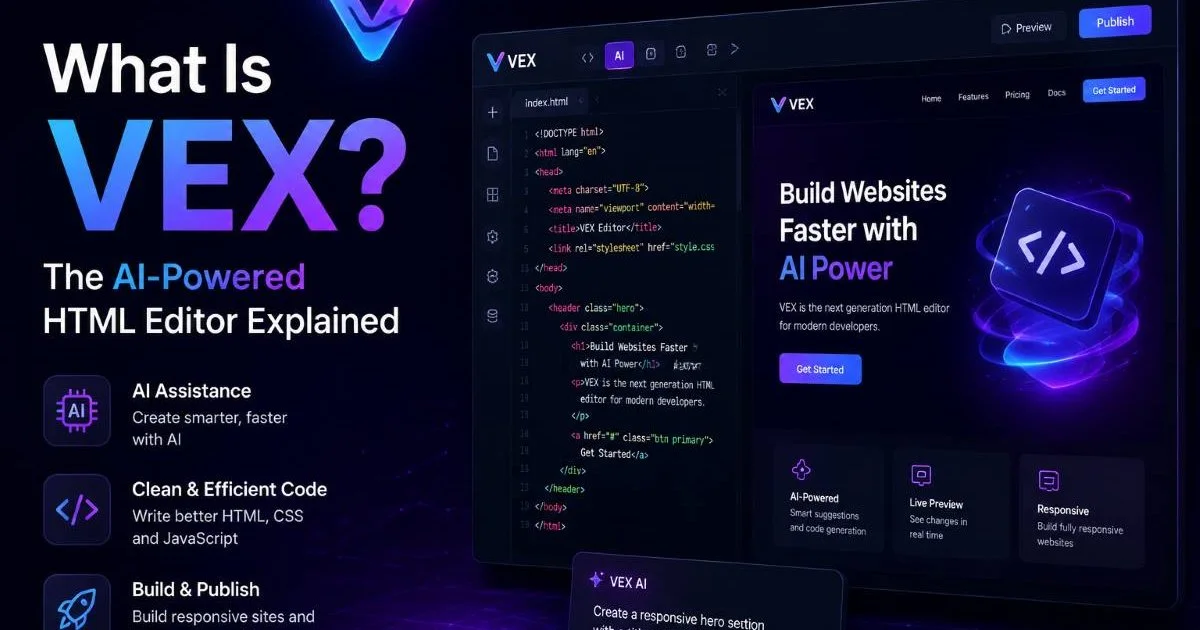
Look for tools that offer a live preview synced with the code editor. When you type a new paragraph tag in the code view, the visual preview should update instantly. When you adjust padding in the visual view, the underlying CSS should reflect the change without injecting meaningless classes or redundant declarations. VEX, for example, operates on this principle by combining a visual editing surface with an AI agent that scans and corrects your code in real time. That tight loop between writing and seeing is what accelerates learning.
Visual editors that hide the source code from you entirely are a red flag. You should always have access to inspect and edit the raw HTML directly.
Learning While Building
AI guidance during visual editing goes beyond corrections. The best tools offer contextual hints and educational tooltips. If you add an image without alt text, the tool shouldn't just flag it as an error. It should explain that screen readers need alt attributes to describe images for visually impaired users, and then suggest appropriate text based on the image context. This micro-learning approach compounds over weeks and months, turning a beginner into a confident intermediate developer.
Another feature worth evaluating is template libraries paired with AI customization. Rather than starting from a blank page, you pick a template and let the AI adapt it based on your stated requirements. Want to convert a portfolio template into a restaurant landing page? A strong AI coding tool adjusts headings, restructures sections, and swaps placeholder content while maintaining valid HTML structure. This saves time without sacrificing quality, and it teaches you how professional layouts are structured under the hood.
4. Privacy, Integration, and Workflow Fit
Data Privacy Considerations
When an AI tool processes your code, your source files travel to a server somewhere. This raises legitimate privacy concerns, especially if you're working on client projects, internal tools, or anything containing sensitive data. Before committing to an AI editor, read its privacy policy. Does the vendor retain your code? Is it used to train future models? Can you opt out of data collection? These questions matter more than most developers realize. A thorough privacy risk assessment for AI systems can help you evaluate what exposure you're accepting.
Never paste API keys, credentials, or personally identifiable information into AI coding tools unless you have verified their data handling policies.
Some AI editors process code entirely in the browser using WebAssembly or lightweight local models, which means your source never leaves your machine. Others require cloud processing for more advanced features like natural language code generation. The trade-off is clear: local processing offers better privacy but may lack the power of large language models. Cloud processing delivers smarter suggestions but introduces data exposure. Understand which model your tool uses and decide accordingly based on your project's sensitivity level.
Workflow Integration
An AI coding tool that doesn't fit your existing workflow will collect dust. Consider how the tool integrates with your current setup. Does it export clean HTML files you can drop into any project? Does it support version control through Git integration? Can you copy the output directly into a CMS like WordPress or a static site generator like Hugo? The best editors are flexible on output, not opinionated about where your code ends up. This portability is a practical requirement, not a nice-to-have.
Finally, consider the tool's ecosystem. Does it offer plugins or extensions for additional functionality? Is there an active community or documentation library? Beginner developers benefit enormously from good documentation because they need to understand not just what a feature does, but when and why to use it. Tools with active forums, tutorial videos, and regularly updated help pages provide ongoing value well beyond the initial download. AI coding evolves quickly, and your tool should keep pace with new standards, browser updates, and accessibility requirements.

Frequently Asked Questions
?How do I test if an AI coding tool catches errors reliably?
?Is inline error fixing better than a separate correction panel?
?Does using an AI coding tool mean I'll learn HTML more slowly?
?Can AI editors silently rewrite my code in unintended ways?
Final Thoughts
Choosing the right AI coding tool comes down to four practical priorities: how well it catches errors, how intelligently it generates code, whether it supports visual and code workflows simultaneously, and how seriously it treats your privacy.
Skip the hype and test each tool against real tasks you perform daily. Start with a broken HTML file and see which editor identifies the most issues. Try generating a complete page from a plain-language prompt. Check if the output validates cleanly. The tools that perform best under these real conditions are the ones worth your time and trust.
Disclaimer: Portions of this content may have been generated using AI tools to enhance clarity and brevity. While reviewed by a human, independent verification is encouraged.