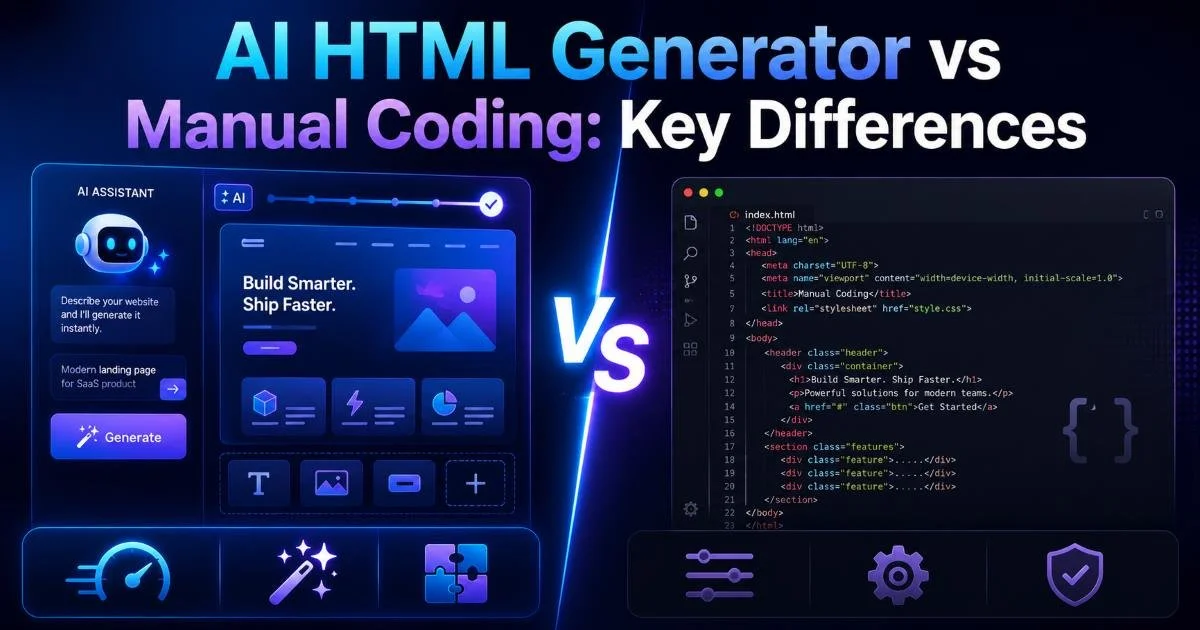
An AI HTML generator can produce a full webpage layout in seconds, while manual coding demands line-by-line precision and deep technical knowledge. For beginner and intermediate developers, the choice between these two approaches shapes everything from project timelines to code quality.
The stakes are real: pick the wrong workflow, and you either sacrifice control or burn hours on repetitive markup. Both methods have clear strengths. Manual coding offers granular control, while AI-powered tools handle boilerplate and error detection with remarkable speed. This article breaks down the key differences across four practical dimensions so you can make an informed decision.
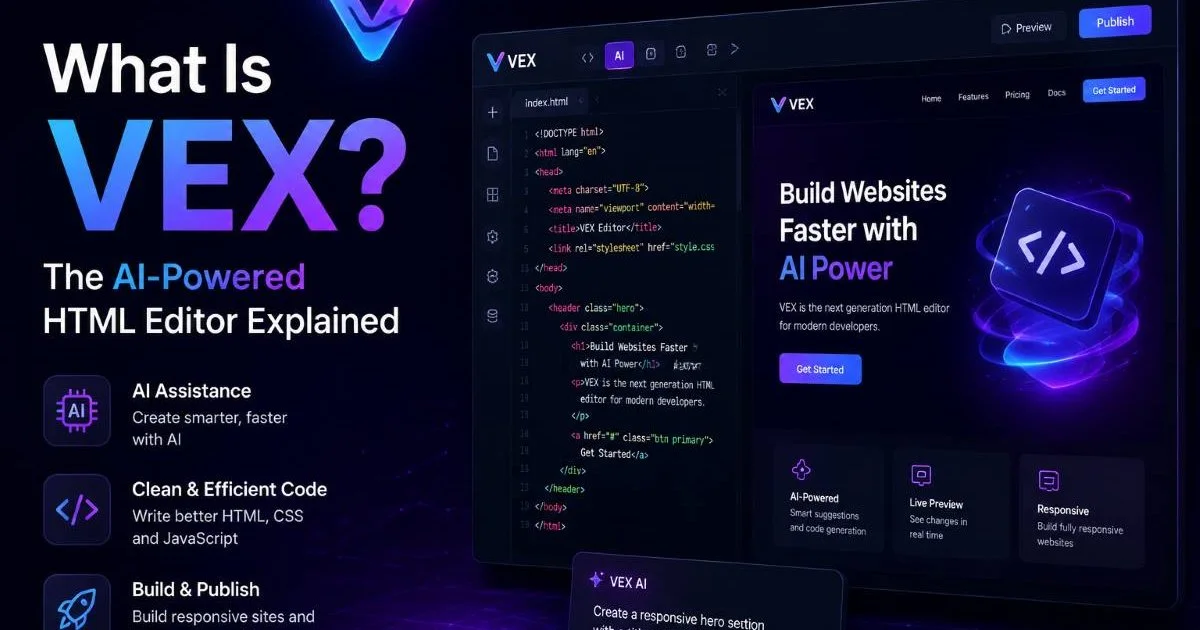
If you want to understand how modern AI editing works under the hood, our detailed guide on VEX, the AI-powered HTML editor, is worth reading alongside this comparison.
Key Takeaways
- AI HTML generators produce functional markup in seconds, not hours.
- Manual coding gives complete control over every element and attribute.
- AI tools catch accessibility and syntax errors automatically during editing.
- Manual coding builds deeper understanding of HTML structure and semantics.
- The best workflow often combines AI generation with manual refinement.
Speed and Efficiency
AI Generation Time
The most obvious advantage of an AI HTML generator is raw speed. Describe the layout you need, click a button, and working markup appears almost instantly. For tasks like scaffolding a landing page, building a contact form, or generating a responsive grid, AI tools eliminate the repetitive typing that eats into productive hours. A task that would take a competent developer twenty minutes can be done in under thirty seconds.
This speed advantage compounds across a project. When you need to produce multiple pages with consistent structure, AI generation keeps output uniform without copy-paste errors. Teams working on prototypes or MVPs especially benefit because they can iterate on structure quickly. Instead of debating div placement, developers can focus on styling, logic, and content strategy from the start.
Speed does come with a caveat, though. AI-generated code sometimes includes unnecessary wrapper elements or verbose class names that a human developer would never write. The output is fast, but reviewing it is still your responsibility. Treating AI-generated HTML as a first draft rather than a finished product is the right mindset for any developer who cares about clean, semantic markup.
Manual Coding Time
Manual coding is inherently slower, and that is not always a disadvantage. Writing HTML by hand forces you to think through document structure, element hierarchy, and semantic meaning at every step. For small, highly customized components (a complex data table, a unique navigation pattern) manual coding can actually be faster because you avoid the back-and-forth of correcting AI output that does not quite match your vision.
For complex, one-off components, manual coding often beats AI generation because you skip the revision cycle entirely.
The real time cost of manual coding shows up in large-scale projects. Building fifty product pages by hand is tedious and error-prone. If you need to generate structured content like HTML tables with many rows, tools like a dedicated table generator can save significant time even for developers who prefer hand-coding most of their markup.
Code Quality and Accuracy
Automated Error Detection
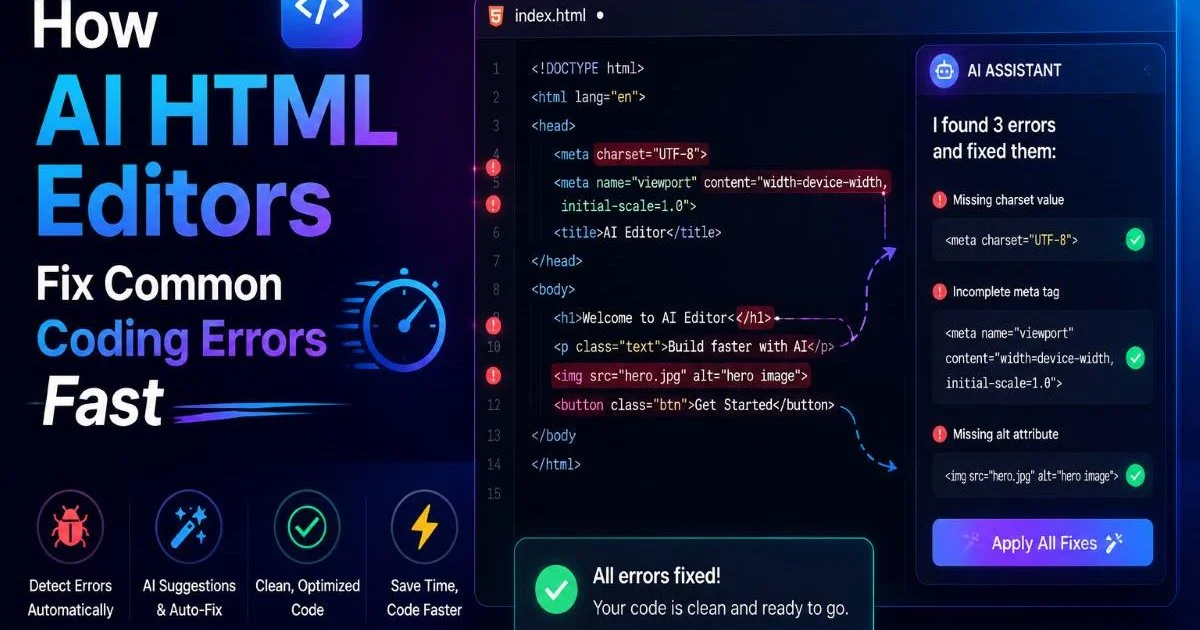
Modern AI HTML generators do more than produce markup. They actively scan for problems. Missing alt attributes, unclosed tags, deprecated elements, and accessibility violations get flagged in real time. For beginners who are still learning the rules of valid HTML, this built-in guidance prevents bad habits from forming. The AI acts as a patient reviewer that never gets tired of pointing out the same mistake.
Error detection is particularly valuable for accessibility compliance. Screen reader compatibility, ARIA label usage, and heading hierarchy all follow strict rules that are easy to overlook during manual coding. AI tools apply these checks consistently across every element. A developer who relies on manual review alone will inevitably miss issues, especially under deadline pressure when attention to detail fades.
AI error detection is excellent for common issues but may not catch context-specific problems, like a heading that is technically valid but semantically misleading.
Human-Crafted Precision
Manual coding produces exactly what you intend, nothing more and nothing less. Experienced developers write lean markup because they understand which elements and attributes are necessary for their specific use case. There is no bloat, no guessing, and no reliance on generic patterns. Every line of code exists for a documented reason, which makes maintenance and debugging straightforward months later.
"The best code is not the code written fastest; it is the code that communicates its purpose clearly to the next developer."
That said, manual coding is only as accurate as the person writing it. Typos, forgotten closing tags, and inconsistent indentation are common realities. Unlike an AI tool that validates in real time, a manual coder must rely on separate linters, validators, or browser dev tools to catch mistakes. The feedback loop is longer, and errors sometimes survive all the way to production before anyone notices them.
| Quality Metric | AI HTML Generator | Manual Coding |
|---|---|---|
| Syntax Accuracy | High (auto-validated) | Variable (depends on skill) |
| Semantic Correctness | Good for standard patterns | Excellent when developer is skilled |
| Accessibility Compliance | Strong (automated checks) | Requires manual auditing |
| Code Leanness | Sometimes verbose | Typically minimal |
| Consistency Across Pages | Very high | Depends on discipline |
| Debugging Ease | Moderate (generated patterns) | High (developer knows every line) |
Learning Curve and Skill Development
For beginners, an AI HTML generator can feel like a shortcut to competence. You describe what you want, the tool produces valid markup, and you see immediate results. This instant feedback loop is genuinely motivating. New developers who might otherwise spend frustrating hours debugging a misplaced closing tag instead get to focus on understanding structure and layout concepts at a higher level.
However, relying exclusively on AI generation creates a knowledge gap that becomes painful later. When something breaks in production, or when you need to integrate HTML with a JavaScript framework, you must understand what every tag and attribute does. Developers who skipped the manual phase often struggle to debug generated output because they never built the mental model of how HTML actually works beneath the surface.
Manual coding, by contrast, builds deep fluency. Writing hundreds of elements by hand ingrains the syntax, the nesting rules, and the semantic distinctions between similar elements (like section versus div, or strong versus b). This knowledge transfers directly to reading other people's code, reviewing pull requests, and working with templating engines. The learning curve is steeper, but the foundation is more solid and durable.
The smartest approach for intermediate developers is to use AI generation for the parts you already understand, freeing mental energy for areas where you are actively learning. If you are comfortable with forms but unfamiliar with semantic sectioning elements, let the AI handle the form markup while you hand-code the page structure. This targeted practice accelerates skill development without wasting time on rote repetition.
Use AI-generated code as study material. Read the output carefully, identify patterns, and try to reproduce the same structure from memory.
Flexibility, Privacy, and Long-Term Value
Flexibility is where the two approaches diverge sharply. Manual coding imposes no constraints whatsoever. You can write experimental markup, use cutting-edge elements before they are widely supported, or structure your HTML in unconventional ways that serve a specific application architecture. An AI HTML generator, by design, gravitates toward established patterns and common conventions. That is usually a strength, but it becomes a limitation when your project demands something unusual.
Privacy is another dimension worth considering seriously. AI tools that process your markup on remote servers raise legitimate questions about data handling. If you are building pages that contain sensitive information, client data, or proprietary layouts, you should understand exactly where your code goes and how it is stored. For a thorough analysis of how AI-based development tools interact with data privacy regulations, this overview of AI tools and data privacy provides essential context.
Always review the privacy policy of any AI coding tool before inputting proprietary or client-sensitive HTML content.
Long-term value is the most important consideration for developers who are building careers, not just shipping pages. Manual coding skills never become obsolete because HTML itself is the foundation of the web. AI tools will evolve, change interfaces, alter pricing, or disappear entirely. The developer who understands HTML at a fundamental level can adapt to any tool, while the developer who depends on a specific AI generator is locked into that ecosystem.
That said, ignoring AI tools and beyond is equally shortsighted. The developers who deliver the most value combine manual expertise with AI-assisted workflows. They use an AI HTML generator to handle boilerplate, then refine the output with their own knowledge. This hybrid approach maximizes both speed and quality, giving you the efficiency of automation without sacrificing the understanding that makes you a capable, independent developer.
Frequently Asked Questions
?How do I review AI-generated HTML for unnecessary wrapper elements?
?When does manual coding actually beat an AI HTML generator on speed?
?Does using an AI HTML generator mean I'll lose HTML skills over time?
?Can AI tools maintain consistent structure across 50 product pages reliably?
Final Thoughts
Neither AI generation nor manual coding is universally superior. Each method excels in specific contexts, and the strongest developers understand when to reach for each one. For repetitive layouts, prototypes, and accessibility-first workflows, AI tools offer genuine productivity gains.
For custom components, deep learning, and projects requiring absolute control, manual coding remains irreplaceable. The real competitive advantage belongs to developers who master both, using AI to amplify their skills rather than replace them.
Disclaimer: Portions of this content may have been generated using AI tools to enhance clarity and brevity. While reviewed by a human, independent verification is encouraged.